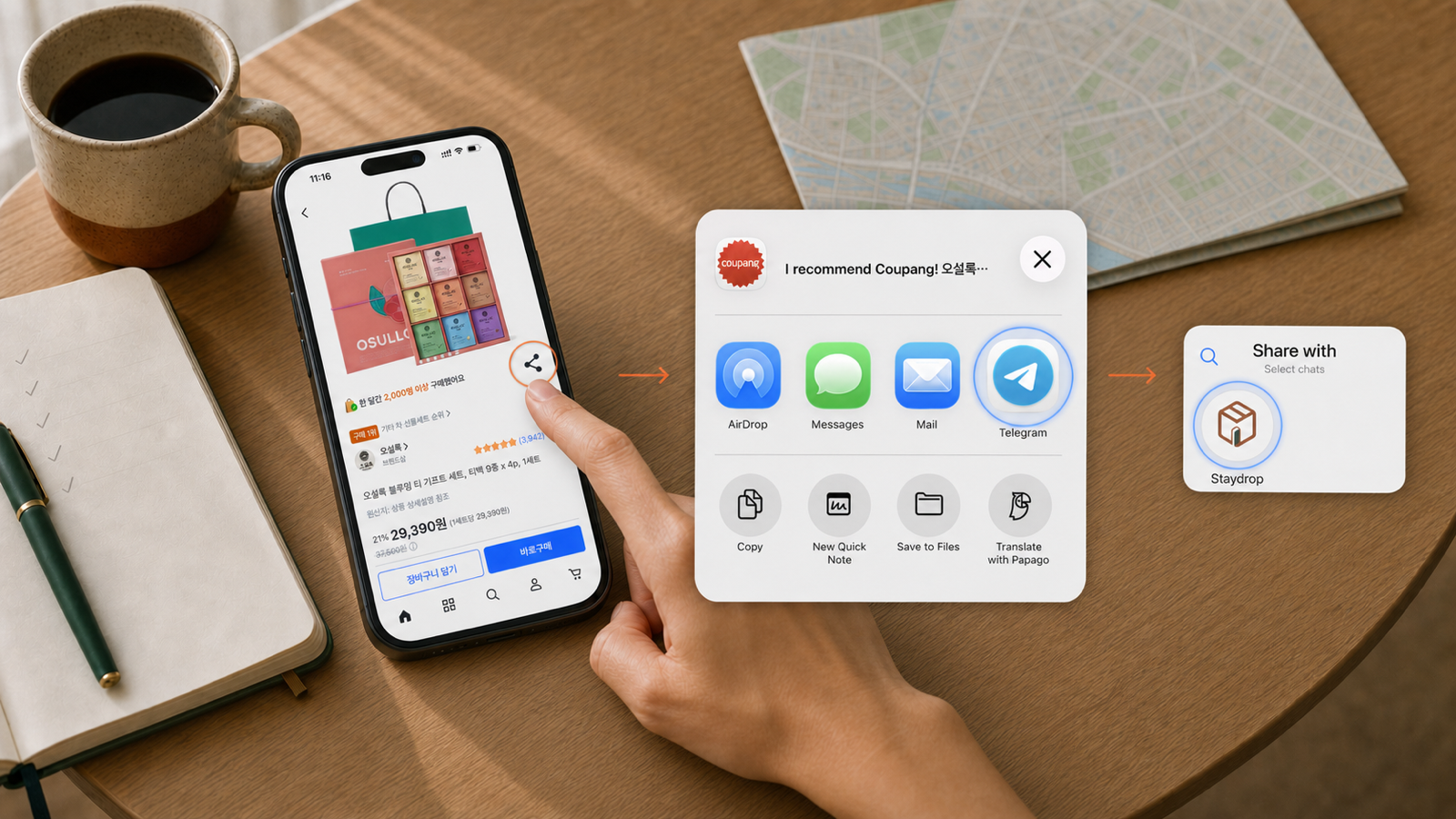
Share it to Staydrop
Tap Share on a Coupang product, choose Telegram, then select Staydrop. You can also paste one or more Coupang product links directly into the chat.
One share sends the product link into your Staydrop conversation.
Staydrop on Telegram
Send a Coupang product link to Staydrop on Telegram. Build your cart, add your accommodation, and continue to payment before your hotel checkout.
A one-time email verification is required before adding products.
How it works
Four clear steps, starting with the share button you already use.
Tap Share on a Coupang product, choose Telegram, then select Staydrop. You can also paste one or more Coupang product links directly into the chat.
One share sends the product link into your Staydrop conversation.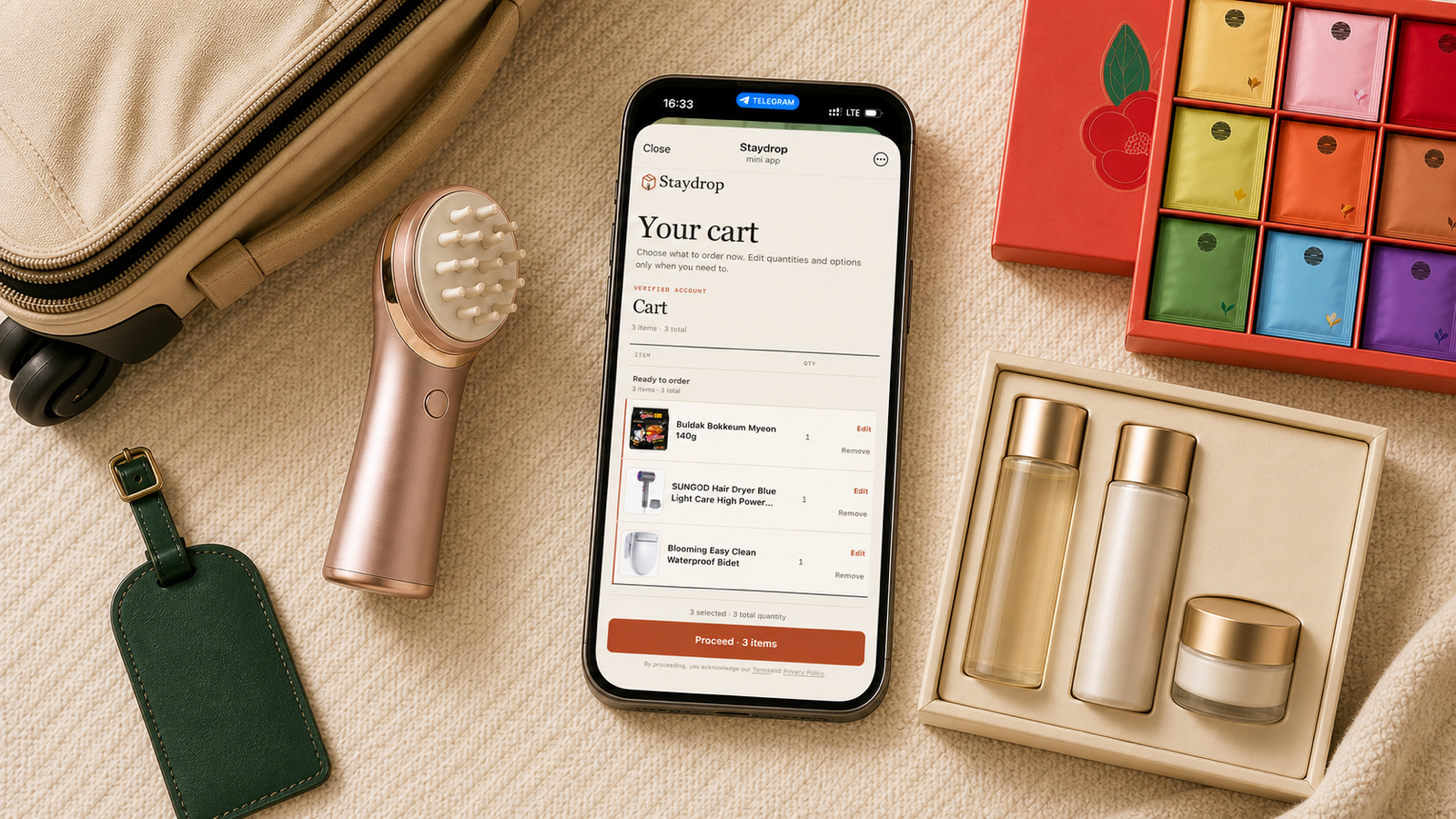
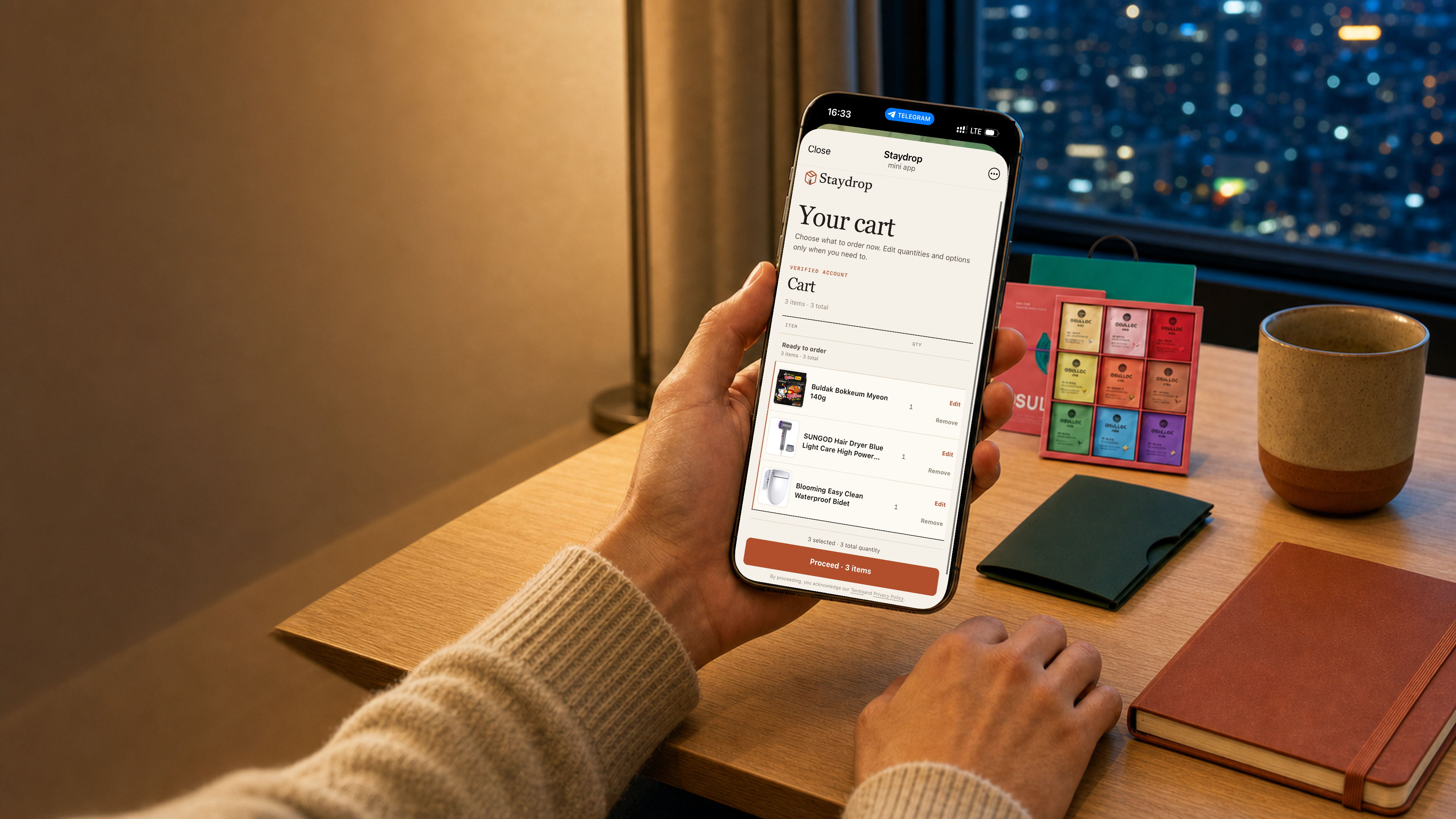
Staydrop adds supported products to your Mini App cart. Review each product, quantity, and option, then choose the items you want to order.
Send more Coupang product links whenever you need to add another item.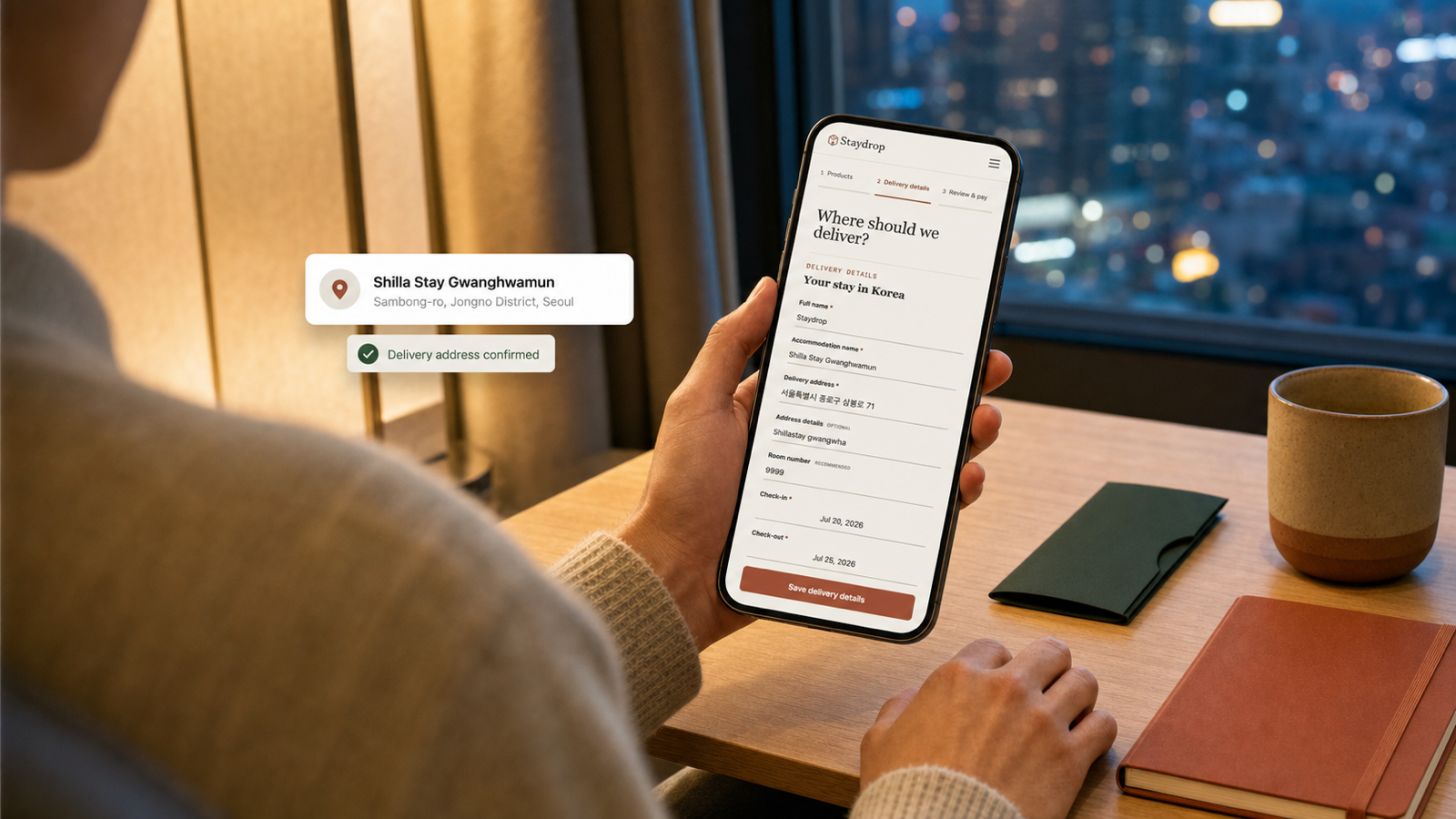
After creating the order, enter the name on your accommodation reservation, the delivery address, stay dates, and room details when available.
Current delivery area: Seoul and Gyeonggi Province.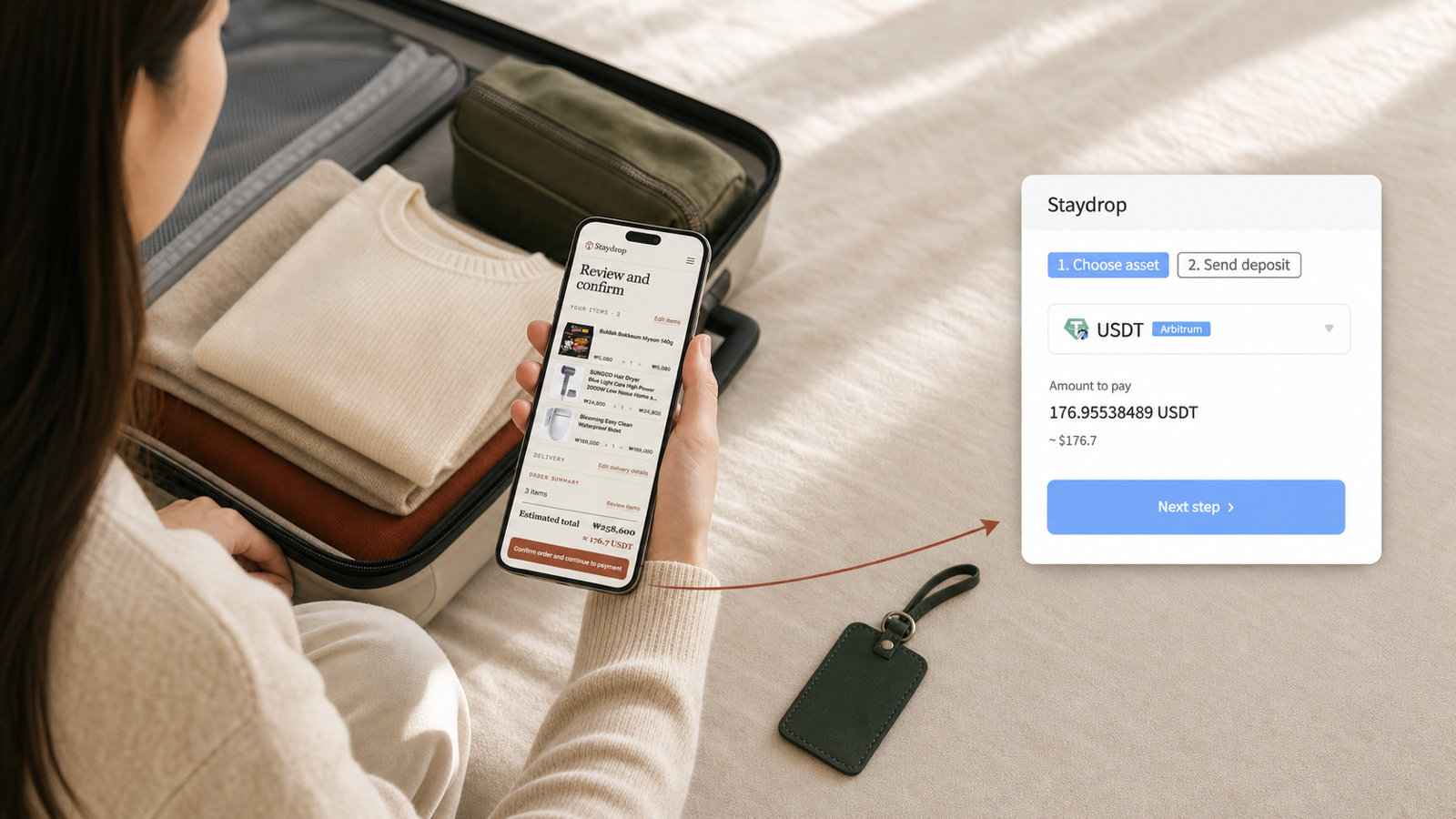
Staydrop checks product details, availability, and pricing on the order page. Review the estimate and delivery details, then continue to your USDT payment link.
Product prices and the exchange rate are checked again when the payment link is created.Before you start
Email verification connects your Staydrop account before you add products or place an order from Telegram.
Use the product link for the exact item and option you want. Staydrop shows supported items in your cart.
The order page shows the item cost, service fee, delivery fee, and estimated USDT amount before you confirm.
Questions
Need help with a specific order? Email support@staydrop.me.
No. Staydrop is designed for travelers who cannot use the standard Korean checkout flow. Telegram verification uses your email, and the order page provides the payment link.
Send one or more Coupang product links. Choose the exact product option on Coupang before sharing so Staydrop can keep the intended item with your order.
After you create the order and enter delivery details, Staydrop checks the products and shows the cost estimate on the review page. The final amount is set when the payment link is created.
Staydrop currently delivers to eligible accommodations in Seoul and Gyeonggi Province. Use the same guest name as your reservation.
Keep it ready
Make your next order as easy as sharing a Coupang product.